What is DUELink?
Smart modules. Plain text commands.
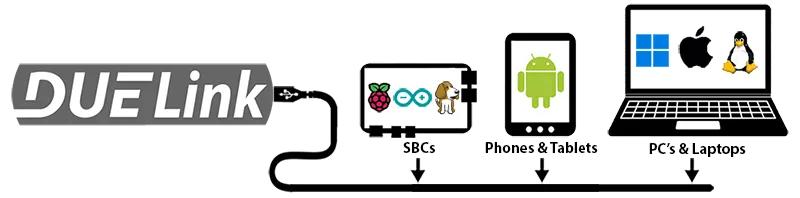
DUELink is a family of smart electronic modules. Each module already knows its job — you control it by sending plain text commands like RelayOn(2).
Commands are sent over USB, I2C, or UART, from any host that can send text:
- Hardware — PC, Raspberry Pi, Arduino, micro:bit, phone, or anything else
- Language — Python, JavaScript, .NET, MicroPython, or any other

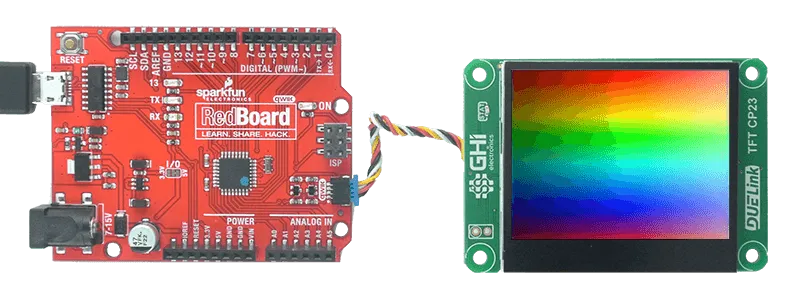
Add a display, a sensor, or a motor to whatever board you already have — no soldering, no driver hunt, no datasheet dive.
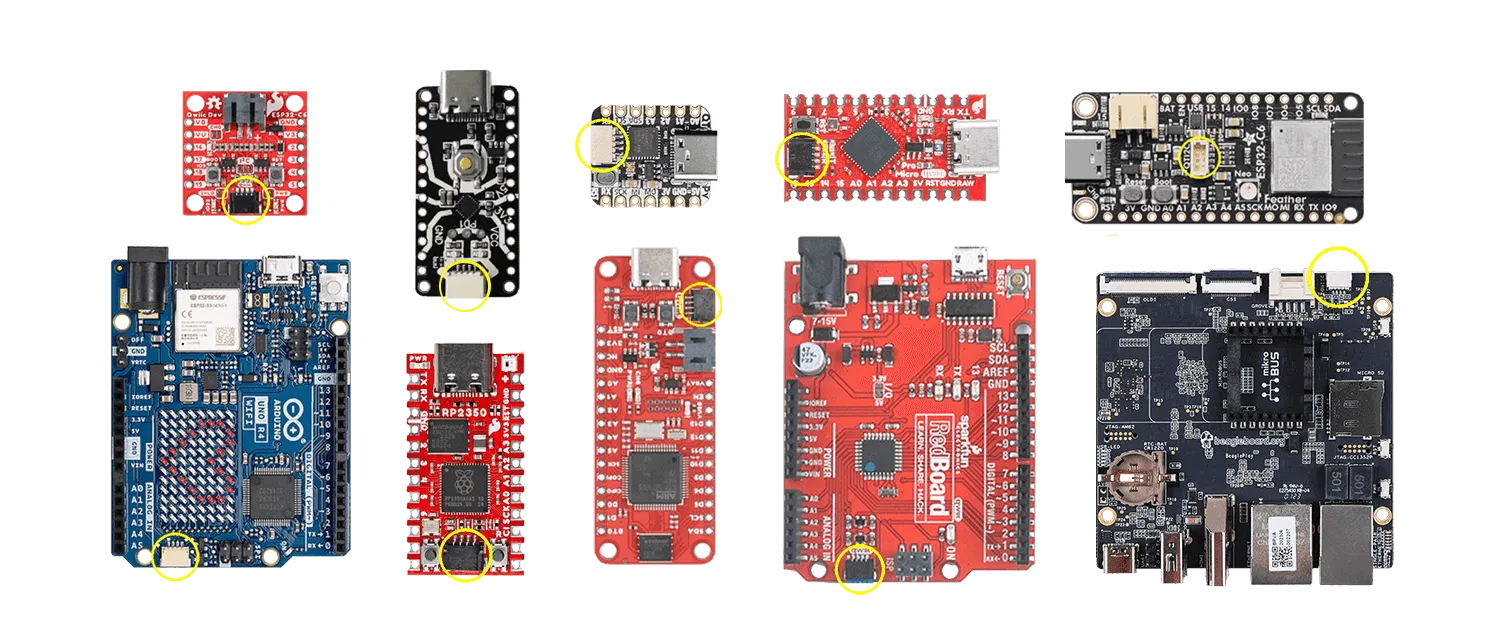
Many popular host boards even ship with the JST connector built in, so DUELink plugs straight in without an adapter.
A real example: vehicle data logger
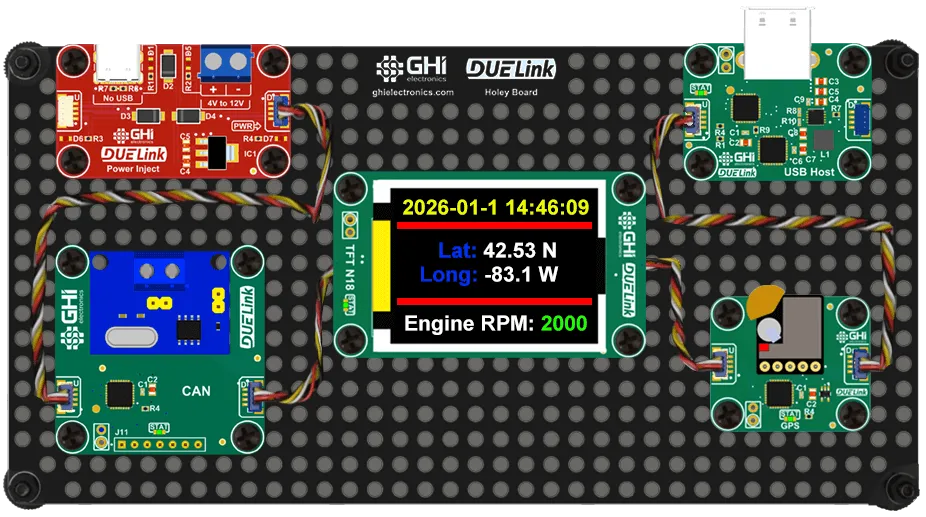
Imagine a quick prototype that plugs into a vehicle and:
- Runs from the car battery.
- Captures CAN bus messages.
- Reads current GPS position.
- Logs everything to a USB memory stick.
- Shows live info on a color display.
Put the soldering iron aside and grab a Holey Board instead — pick the modules off the catalog, drop them in, and write a short script on your host. A project that used to take days takes an afternoon.
Same story for industrial prototypes, lab fixtures, or one-off internal tools — graphics, file logging, sensors, motors, all driven from plain text commands in whatever language you already write.

Chain modules
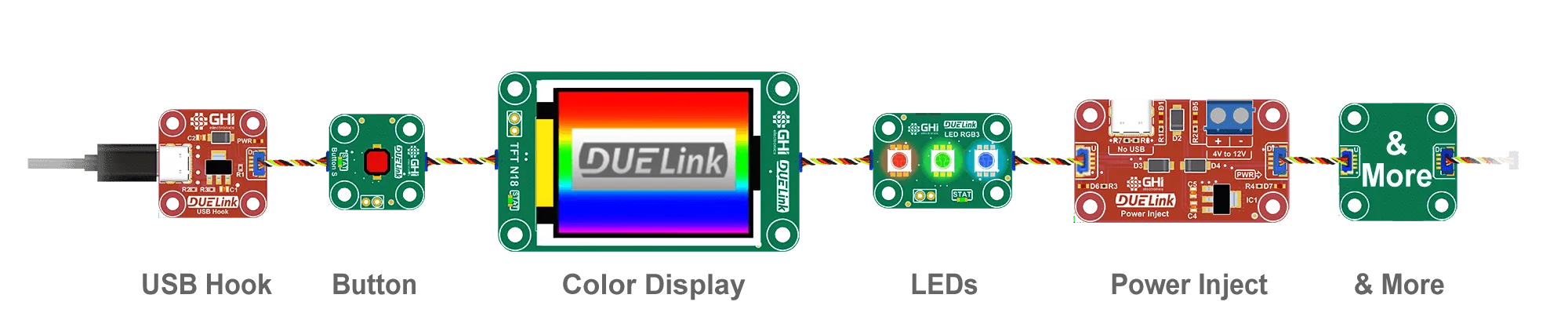
Connect more modules from one host using the Downlink port. One cable carries commands through any number of modules.
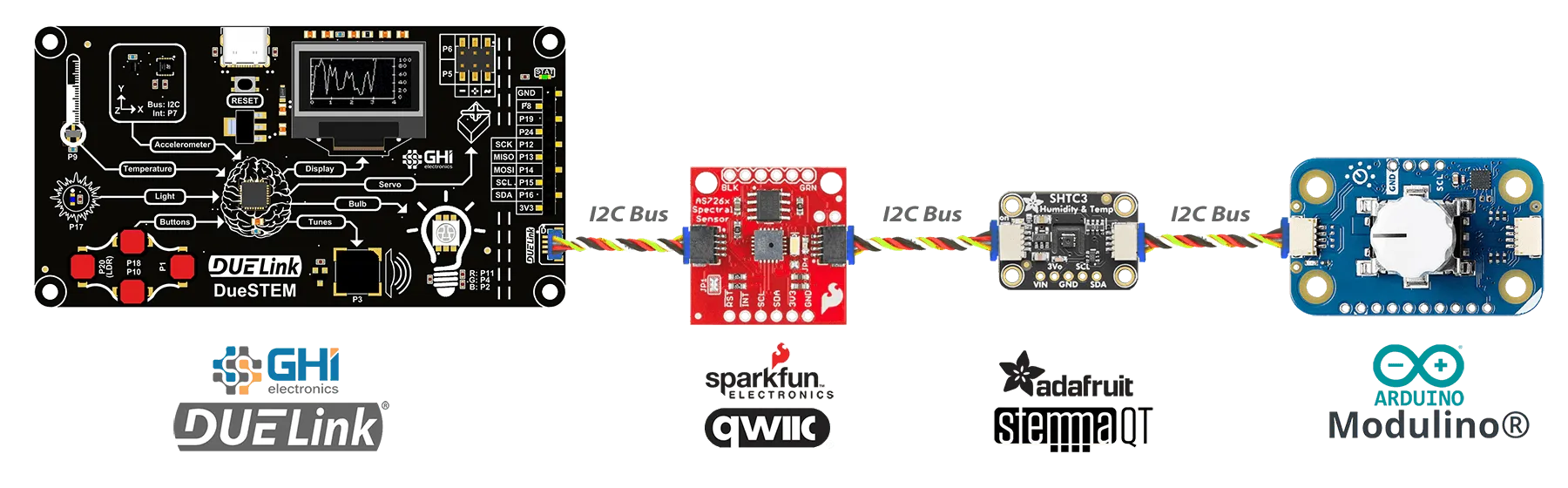
The same I2C bus works with other ecosystems too — SparkFun Qwiic, Adafruit STEMMA QT, and Arduino Modulino plug right in (Seeed Studio Grove works with an adapter cable). Mix DUELink and third-party modules in one project.
Code on the module itself
Besides sending commands from a host, you can put your code on the module's on-board STM32 MCU — your code runs right on the module with no host needed.

For Educators Boards like CincoBit, PixoBit, and Clipit work great as classroom singletons with MicroBlocks — block coding with a complete curriculum. |
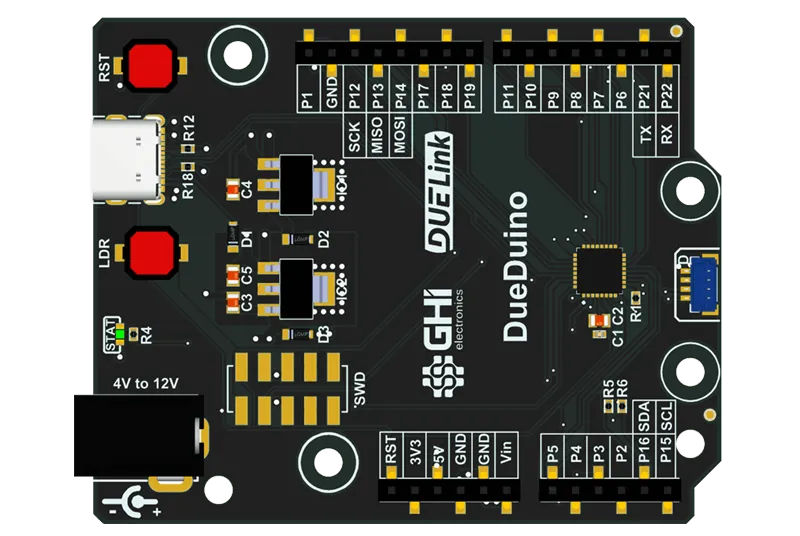
On-Module Code Any DUELink board's MCU can be programmed directly with Arduino IDE or C++. Boards like DueDuino, Stick, and Stamp are especially handy for this. |
Where to next?
- Get started — try a command in the browser, then send it from Python, JavaScript, .NET, Arduino, or MicroPython
- Chain modules — one host, many modules (and works with Qwiic/STEMMA)
- For educators — MicroBlocks + curriculum
- Code on the module — Arduino IDE / C++ on the on-board MCU
- Browse the catalog — sensors, displays, motors, kits, and more