Made for educators
DUELink turns abstract coding lessons into hands-on projects: LEDs, sound, sensors, and displays respond as students code. Boards are ready to use — no soldering, no driver hunt, no datasheet dive — so you can focus on teaching.
Typical classroom path: MicroBlocks on CincoBit or PixoBit → follow the CincoBit curriculum → optionally chain more modules as students advance.
Block coding
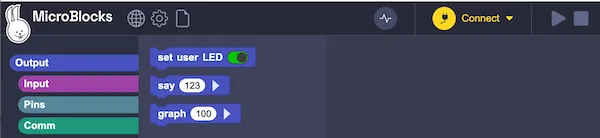
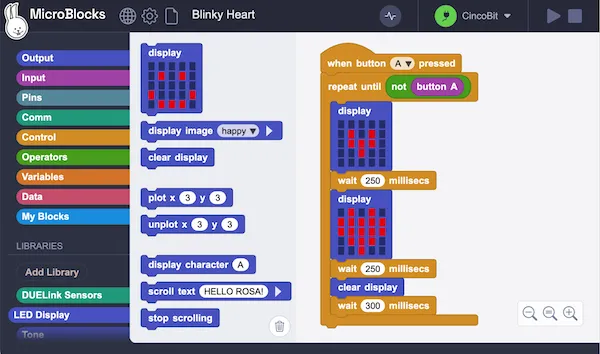
MicroBlocks is the recommended classroom workflow. Drag blocks in a browser and the board reacts immediately — no separate "download" step between changes.
Runs in the browser on any computer (no install required), or offline if you prefer.
CS curriculum
A complete computer science curriculum built around CincoBit and PixoBit, targeting middle school classrooms, makerspaces, clubs, and self-paced learners.
The curriculum supports:
- Students new to programming
- Educators with little or no prior CS teaching experience
Topics include variables, conditions, loops, Boolean logic, lists and arrays, coordinates, sound, functions, and more — taught through graphics, sound, sensors, games, and embedded systems.
Students can work on real hardware or the Boardie virtual device for remote and at-home learning.
$100 classroom kit
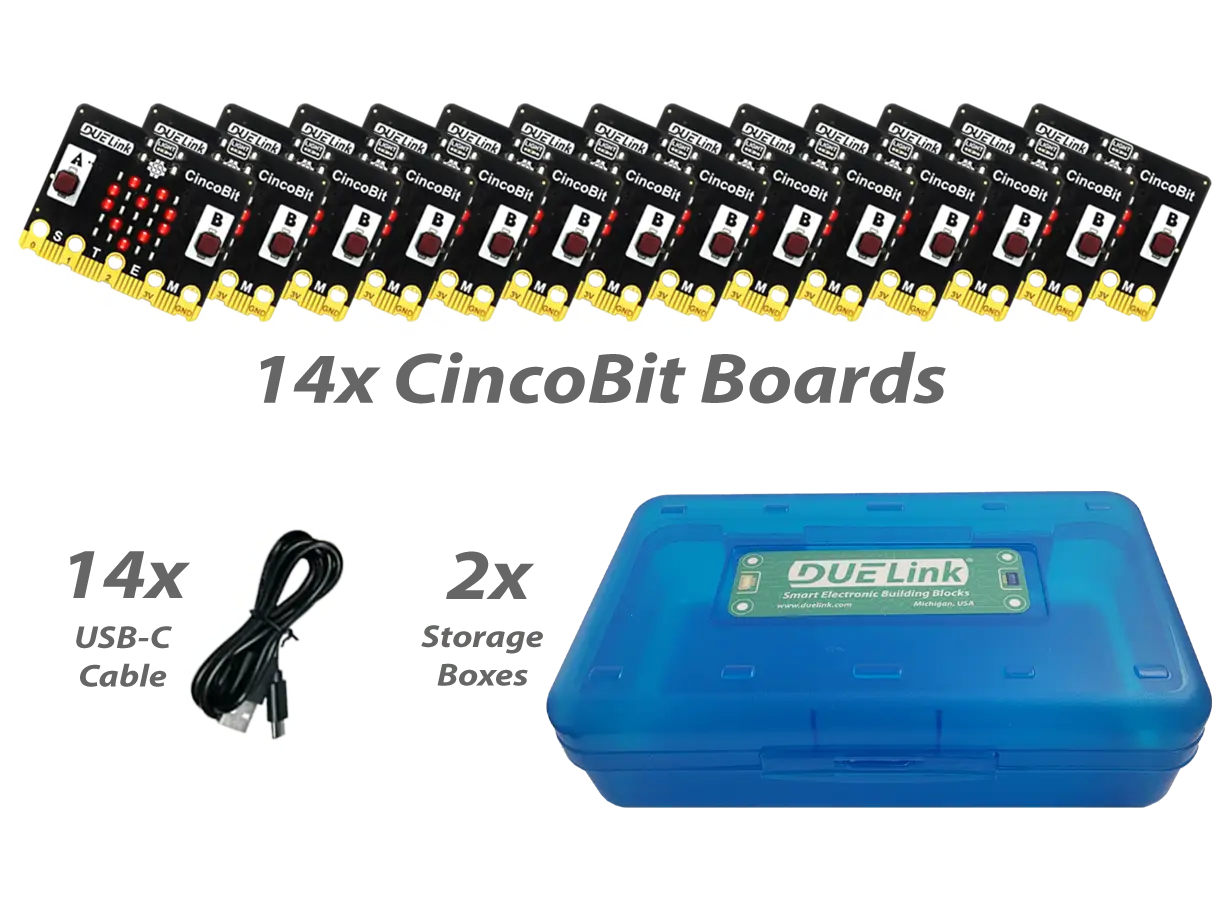
Equip a classroom for under $100 with a pack of 14 CincoBit boards. Students pair up; storage box and USB cables included.
Students light the matrix and play tones in minutes, then build logic-driven games in hours — all in MicroBlocks.
Classroom boards
Any DUELink module works for learning, but these are especially classroom-ready:
 5×5 LED matrix, light sensor, buzzer, two buttons. The curriculum's main board. |  128×64 graphical display, light sensor, buzzer, two buttons. For projects that need pixels. |  Touch pads, graphing LED matrix, light sensor, buzzer. Quick-demo board. |  Input → Process → Output on one board with a graphical display. |
For variety and engagement — fun boards for clubs, events, or seasonal projects:
 Robot-shaped board with eyes and a buzzer. A character to code with. |  LED-lit tree shape. Seasonal projects students enjoy taking home. | 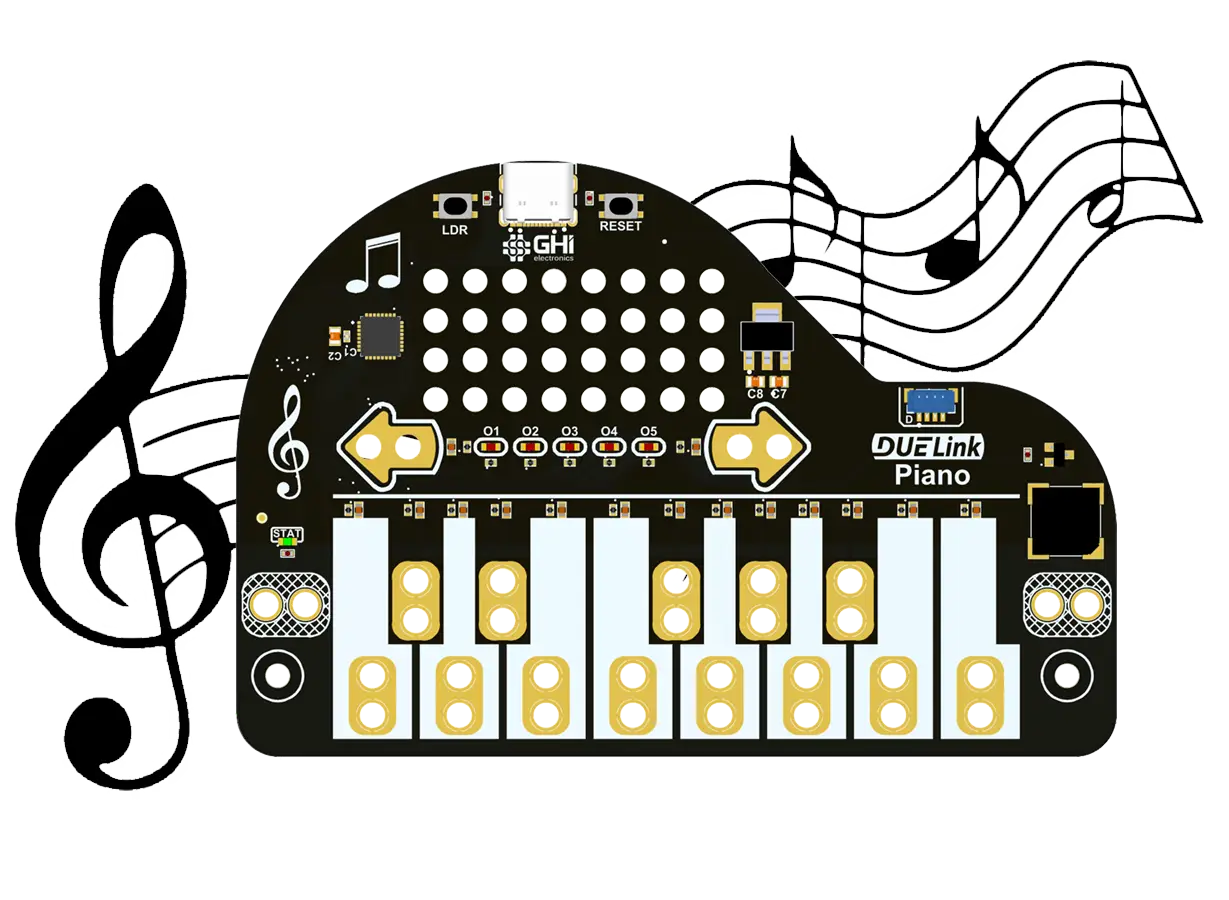 Touch keys and a buzzer. Music meets code. |  Snowman-shaped board with LEDs and sound. A holiday favorite. |
Beyond blocks
The same modules that work with MicroBlocks also work from Python, JavaScript, .NET, and other full languages on a PC. The leap from block coding to typed code doesn't require new hardware or new commands — just a different editor.
This makes DUELink a natural fit for AI and machine learning classes. Students can read a real-world sensor, classify it in Python, and drive a motor or display in response — in a handful of lines, with no embedded-systems detour. Physical computing projects that used to need a whole electronics curriculum become a single lesson.
Chain modules
Connect more modules to grow a project without rewiring — a sensor here, a display there, a motor over there. The host runs the same MicroBlocks or Python code; just add the next module to the chain.
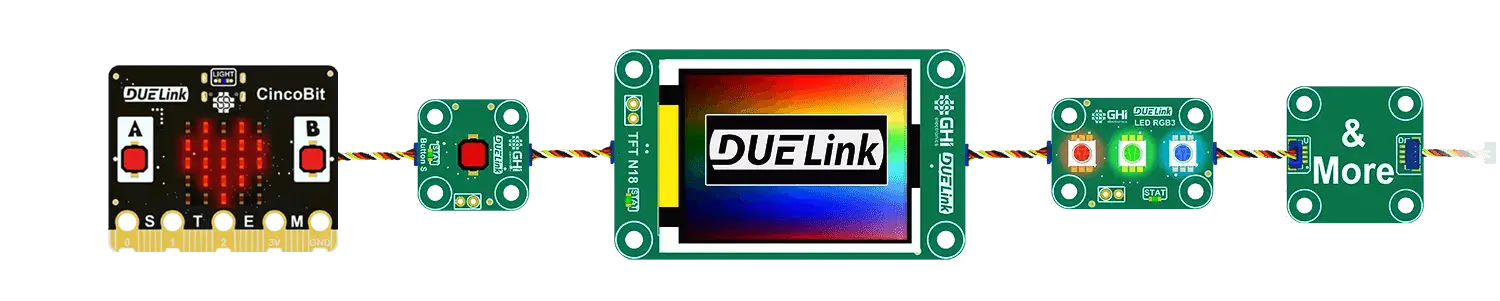
Not sure what to add? The Essentials Kit is a hand-picked starter set.
Commitment to STEM
GHI Electronics has supported educators for decades — before "STEM" was commonplace.

"How many students haven't we exposed to technology yet?" — DUELink founder Gus Issa.
Tomorrow's greatest ideas will stem from the digital knowledge we plant today.