UART (Serial)
Serial ports are easily accessible with any microcontroller. DUELink supports full-duplex serial port connections. The default baud rate is 115200.
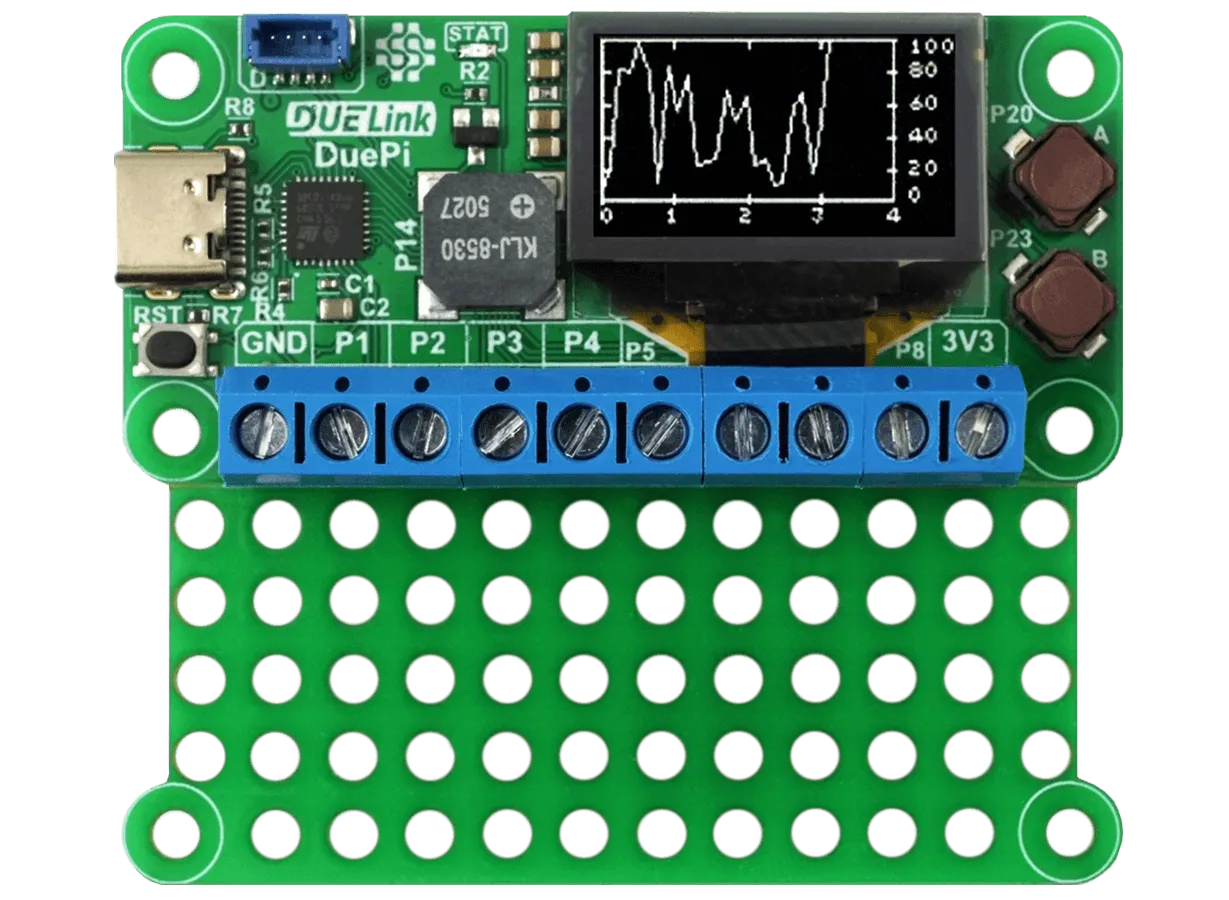
DuePi connects using serial to a Raspberry Pi.
Linux Support
DUELink modules fully work in Linux. However, in order for Linux to work, you need to have permission to access ports. Linux users are expected to know how to do so but here is an example script to get you started.
#!/bin/bash

echo "Adding user to dialout group for serial port access..."
sudo usermod -aG dialout $USER

# Check if user was added to dialout group
if id -nG "$USER" | grep -qw "dialout"; then
    echo "User $USER added to dialout group successfully."
else
    echo "Failed to add user to dialout group. Please check permissions."
    exit 1
fi

echo "Creating udev rule for STM32 DFU mode..."

# Add the udev rule for STM32 DFU mode (Vendor ID: 0483, Product ID: df11)
echo 'SUBSYSTEM=="usb", ATTR{idVendor}=="0483", ATTR{idProduct}=="df11", MODE="0666"' | sudo tee /etc/udev/rules.d/99-stm32-dfu.rules > /dev/null

# Reload udev rules to apply the changes
sudo udevadm control --reload-rules

echo "Permissions set successfully!"
echo "For changes to take effect:"
echo "- You need to log out and log back in for the group changes (serial port access) to take effect."
echo "- After logging in again, you should have access to both serial and DFU mode without requiring sudo."

echo "If you are unsure about how to log out, please simply restart your system."