App Inventor

MIT App Inventor allows anyone, including children, to build mobile apps with ease.

There are 2 ways to access DUELink modules from App Inventor, either USB or Bluetooth.
Examples are provided to get you started, but this is an experimental support.
USB
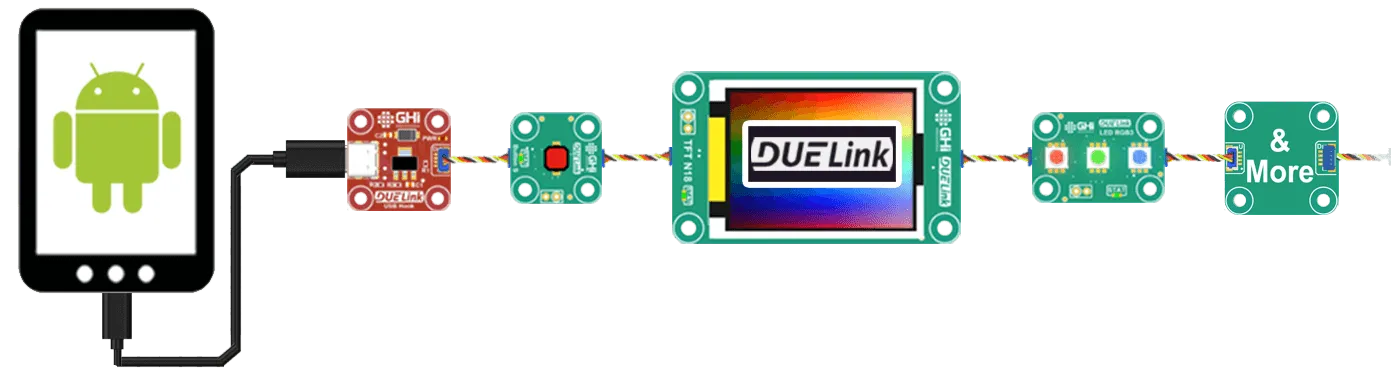
You can build apps that control actuators and read sensors, right from a tethered phone. Note that this only works on Android as iOS does not support the standard USB CDC Class. Modules with USB connectors, such as DueSTEM, can tether to a phone directly.
Other modules without USB connectors will need an adapter, such as USB Hook.
Wireless
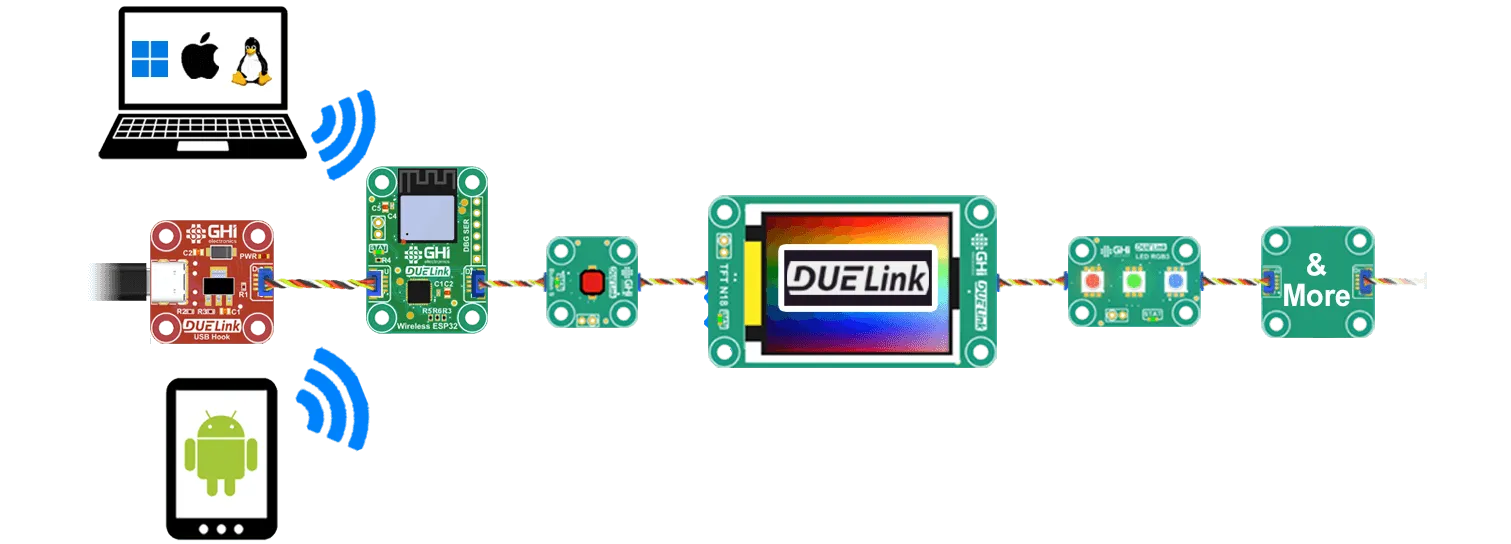
Wireless is a bit easier as there is no physical connection to the phone or the tablet. These devices can pair with Wireless ESP32, which in turn brings the chain of DaisyLink devices to the Wireless connection via WiFi or Bluetooth.
Demo
This is a demo sample to help you get started. It includes both USB and Bluetooth.
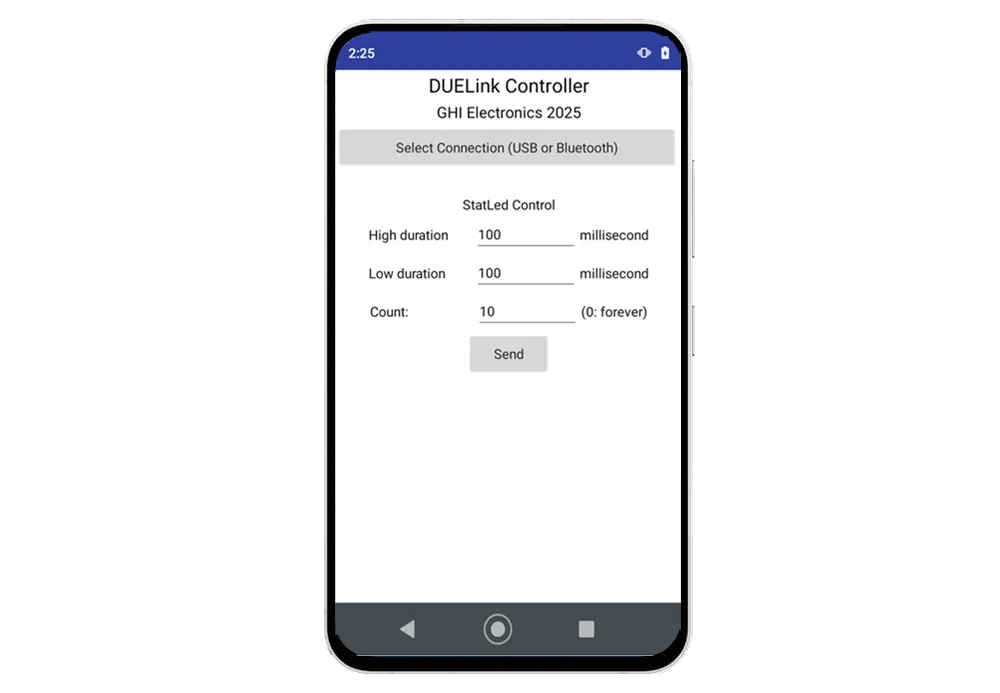
Log in to App Inventor and then load this file.